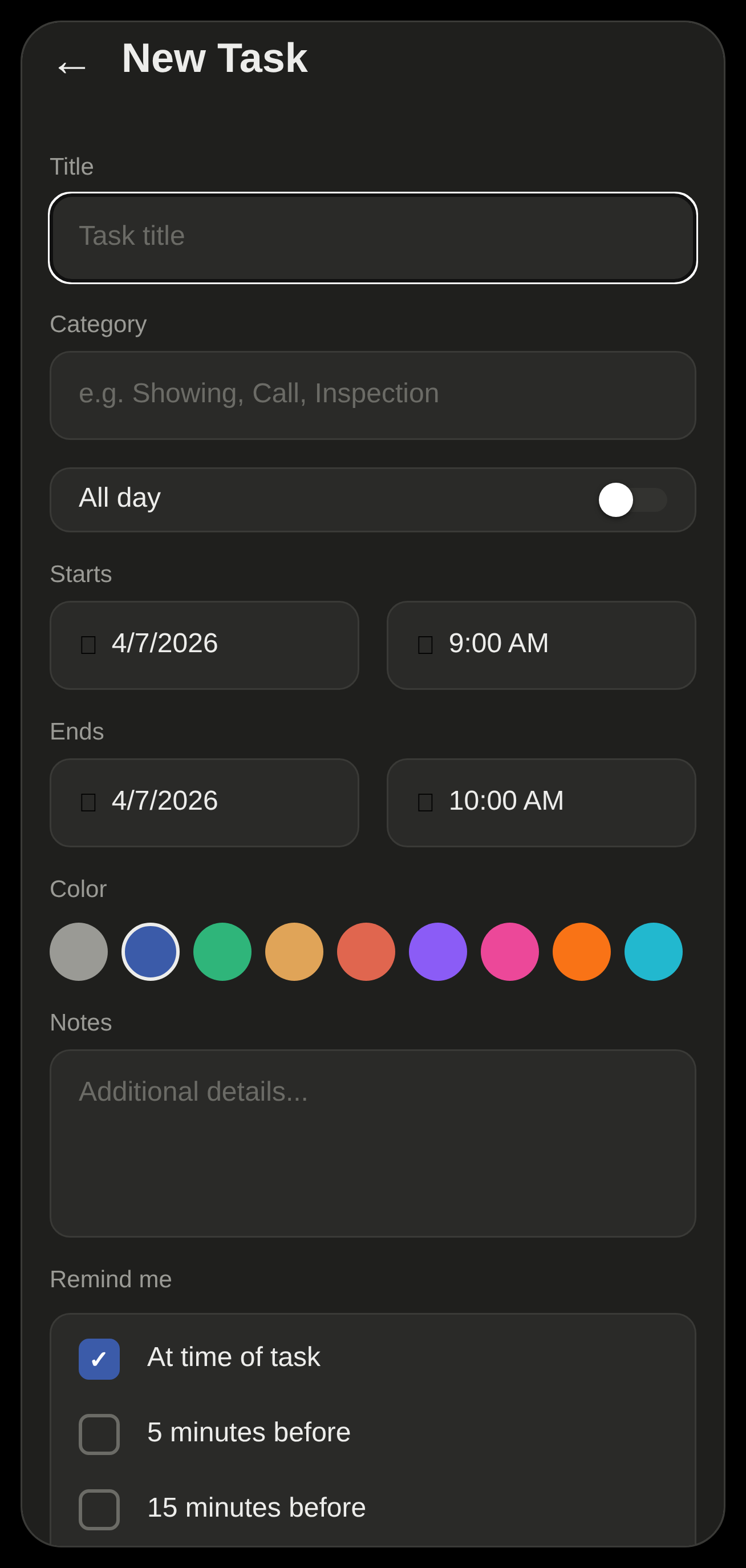
Capture a reminder in seconds
Title, category, start and end, an all-day toggle, nine colors, notes, and a multi-select “remind me” list — all on one simple screen.
A quick tour — how you capture a reminder, organize your day, and make the app your own. It all runs on your phone, fully offline.
Tap the + button and jot a title, a date and time, a category and a color — done in seconds.
Pick when to be reminded — at the time, or 5, 15, 30 or 60 minutes before. Remi schedules an exact alarm on your device.
Your reminder fires right on time with your chosen sound — even if the app is closed or your phone is offline.
Title, category, start and end, an all-day toggle, nine colors, notes, and a multi-select “remind me” list — all on one simple screen.
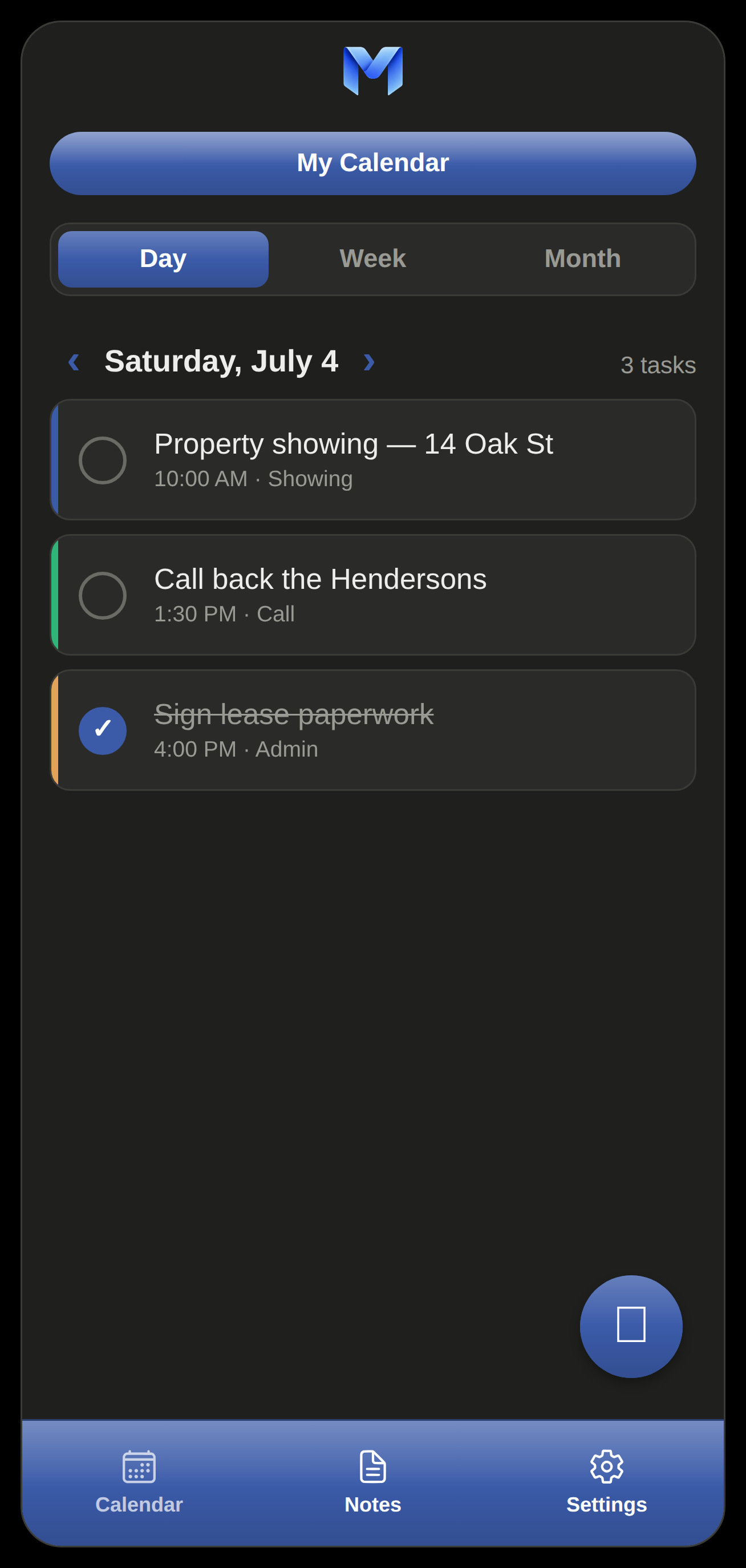
See exactly what's coming up. Tap a task for details, check it off when it's done, or edit it in a tap.
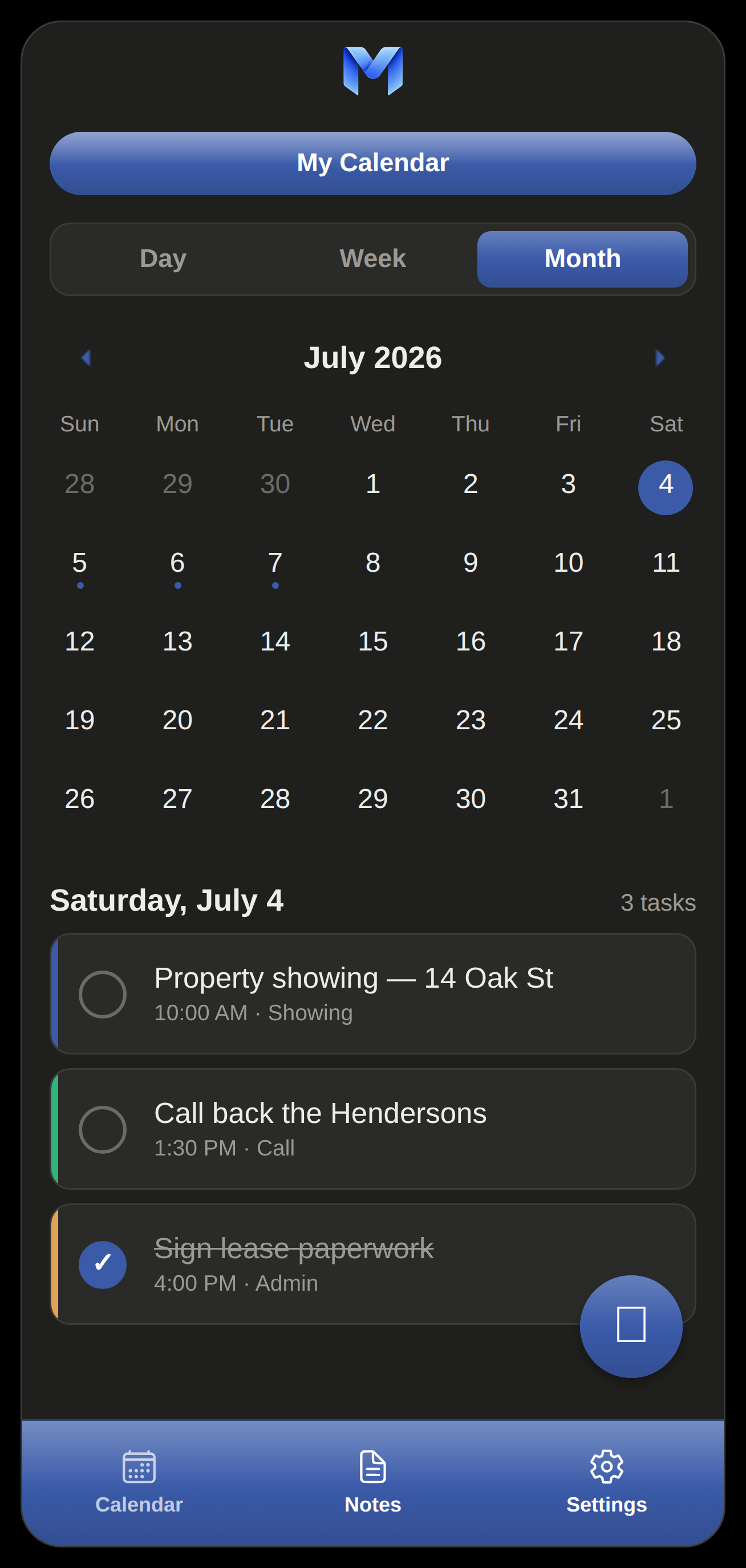
Switch views with one tap. The month grid marks every day that has something on it, so nothing sneaks up on you.
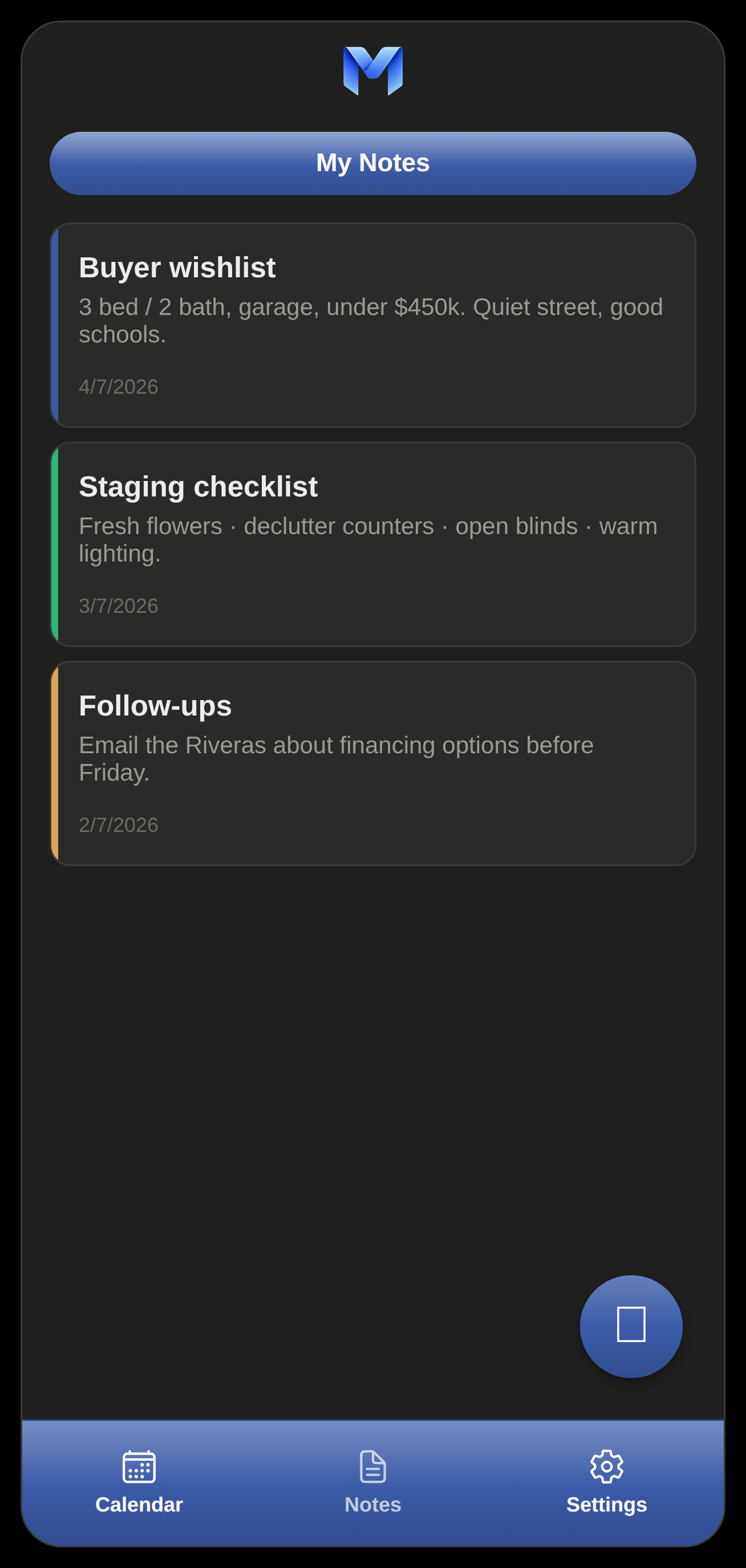
Jot down anything that doesn't need a time. Color-code them and they stay sorted, newest first — no second app required.
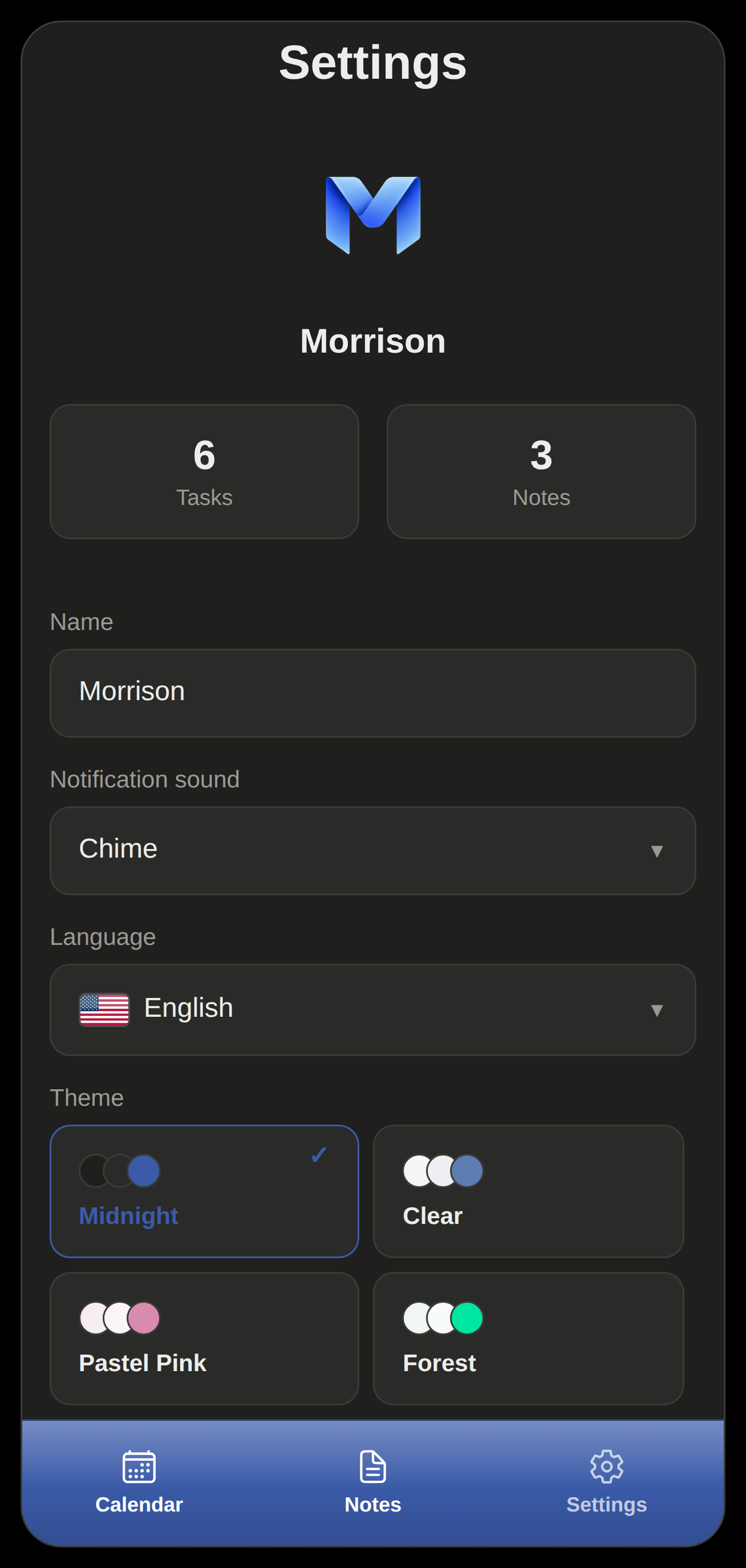
Choose your notification sound, name, language and theme. Live task and note counts keep everything at your fingertips.
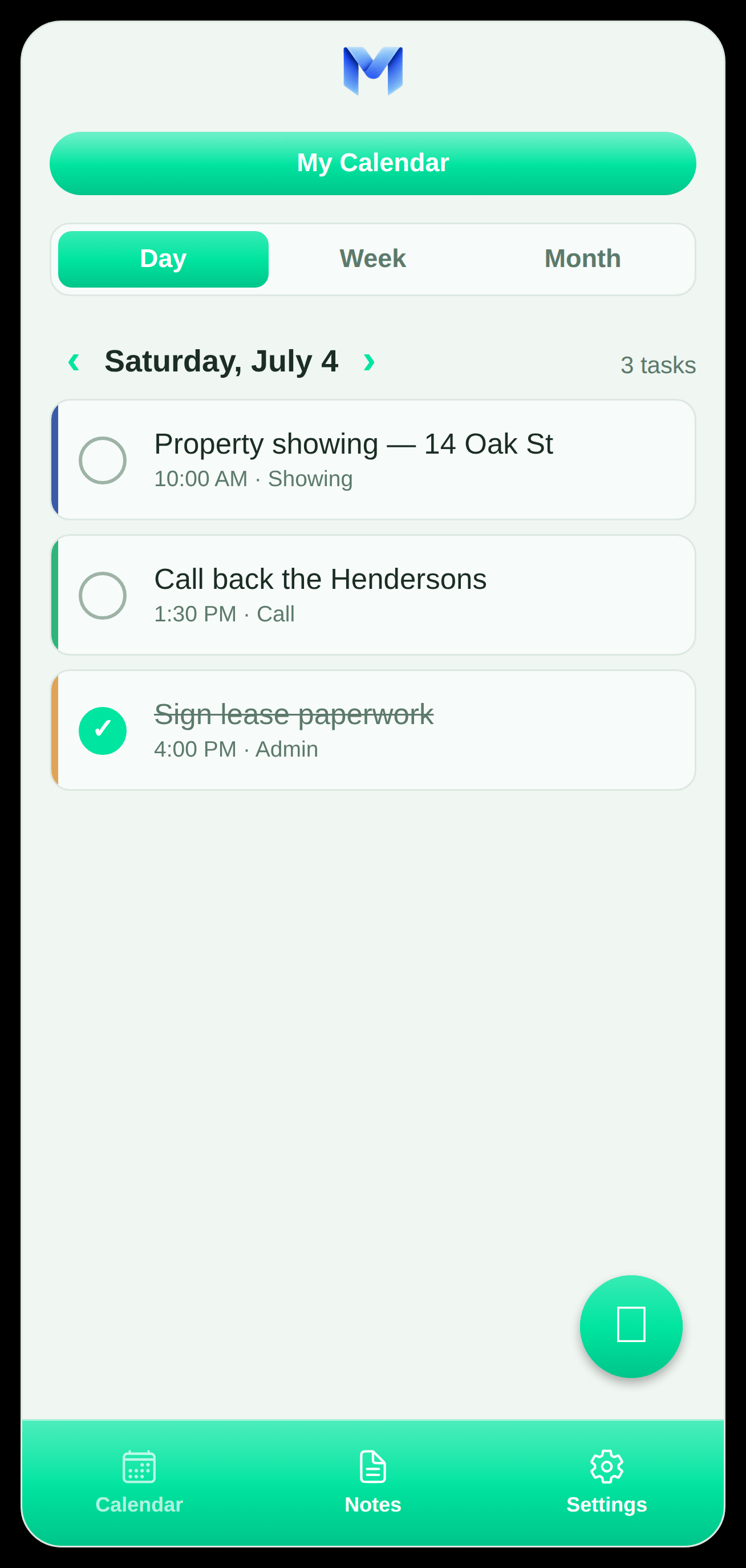
Midnight, Clear, Pastel Pink, Forest, Dusk and Sky — switch instantly and the whole app re-colors. Pick the one that's easiest on your eyes.
Remi is free, offline and private. Nothing to sign up for — just install and start.